Development from a Template (Python)
Overview
The Visual Studio Code extension "Next Design Python Extension Template" automatically generates templates for Python script-based extensions. The templates include sample implementations and IntelliSense files, allowing you to start development immediately.
For detailed template configuration and sample code, see the Visual Studio Code extensions page ("Details" tab).
Installing the Extension
-
Open Visual Studio Code.
-
Click the extensions icon in the sidebar.
-
Type "
Next Design Python Extension Template" in the search box. -
Select "Next Design Python Extension Template" from the search results and click "Install".
Generating a Template
-
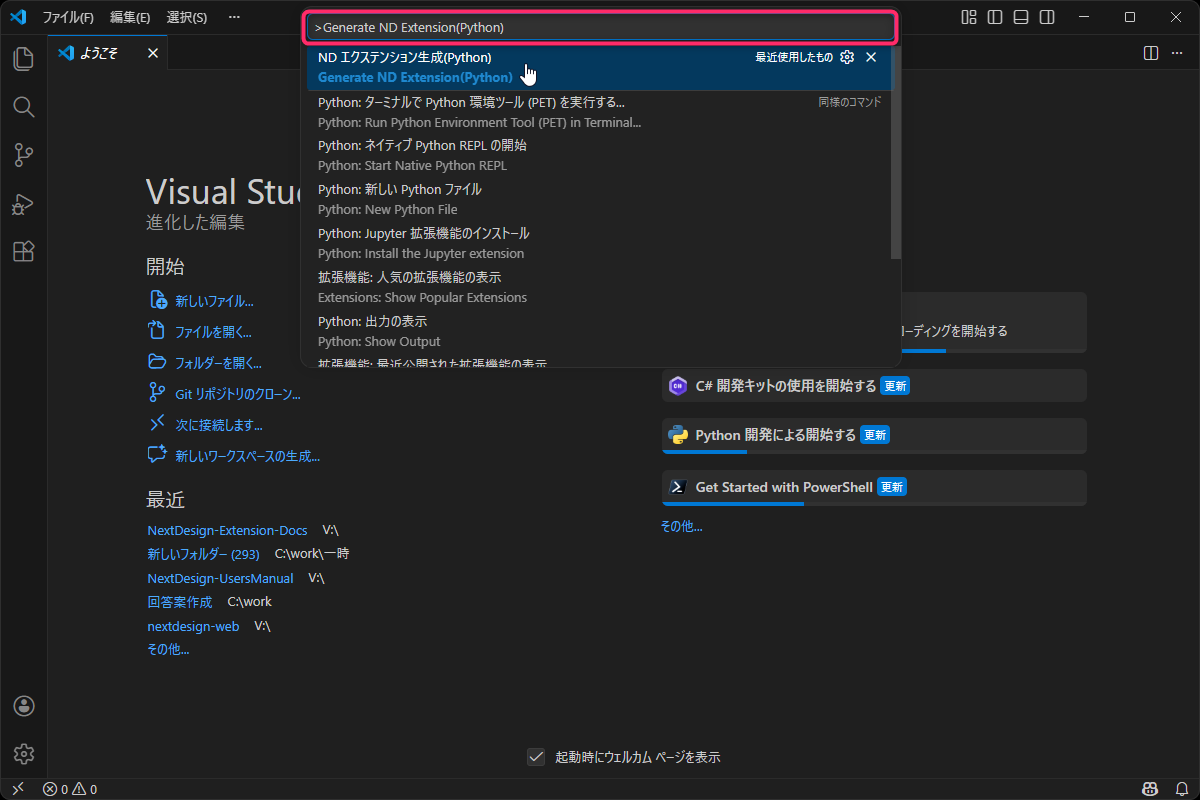
Open the command palette (Ctrl+Shift+P).
-
Select "Generate ND Extension (Python)".
-
Specify the parent folder where you want to generate the templates in the folder selection dialog.
-
The template set will be generated.