Quick Start
Overview
After installing the embedded software development base package and restarting Next Design, the following shortcut will appear on the Start screen.
- Sample Project > Embedded Systems > Embedded Software Development
- Create New from Template > Embedded Systems > Embedded Software Development
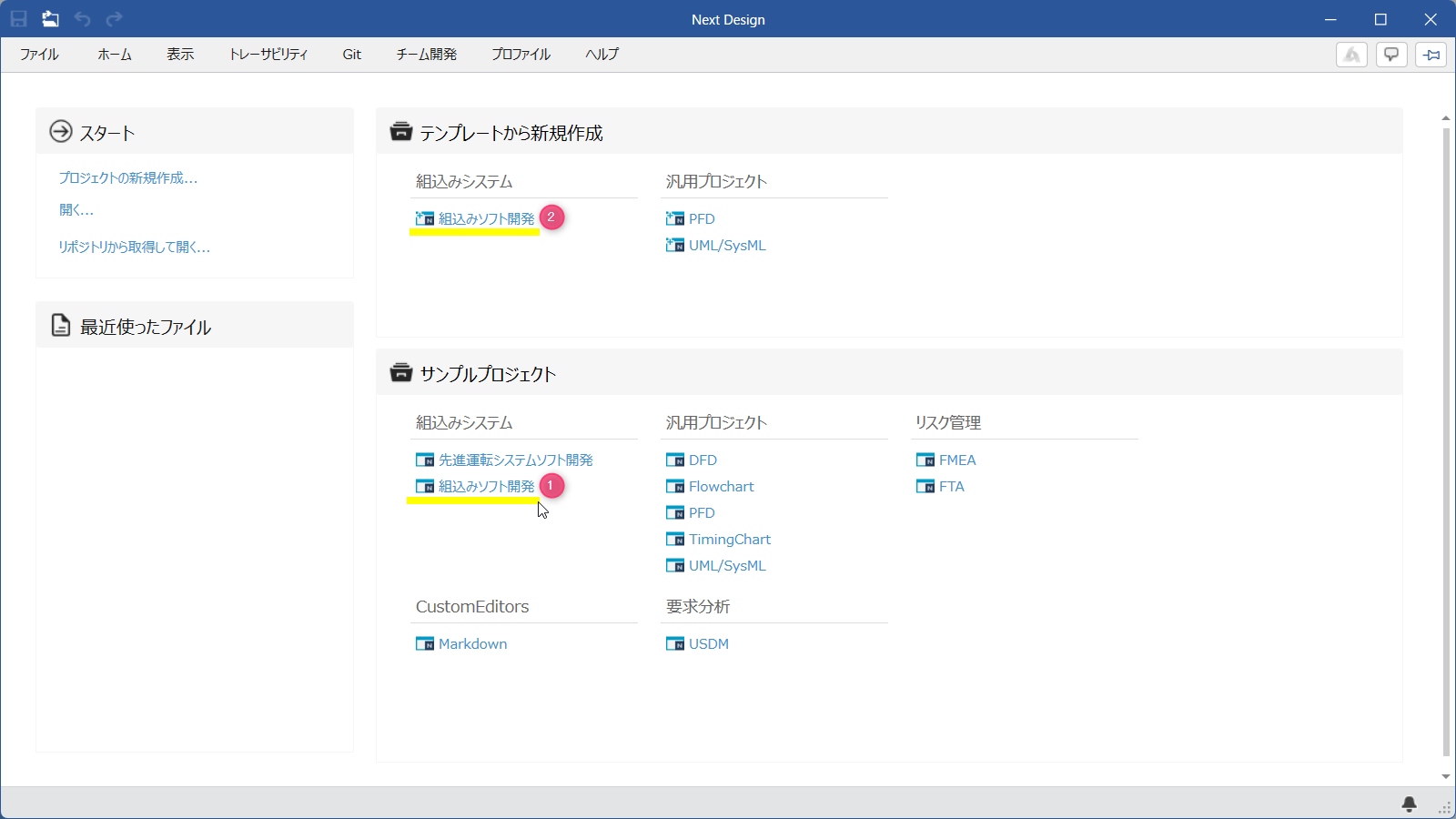
By using these, you can learn how to use the software by referring to sample projects, or immediately start a project following the V-model of embedded software development.
The following describes the procedure for using this package in the following order:
- Install the package
- Open and learn from the sample project
- Use in a new project
Installing the Package
As preparation for using the embedded software development base package, install the package using the following procedure.
- Install the [
EmbeddedSoftwareDevBase.en] package from [DENSO CREATE OFFICIAL] according to the following manual.
- After installation, restart Next Design to make this package available.
- This package also requires the UML/SysML package. See Installation Prerequisites for details.
Learning by Opening a Sample Project
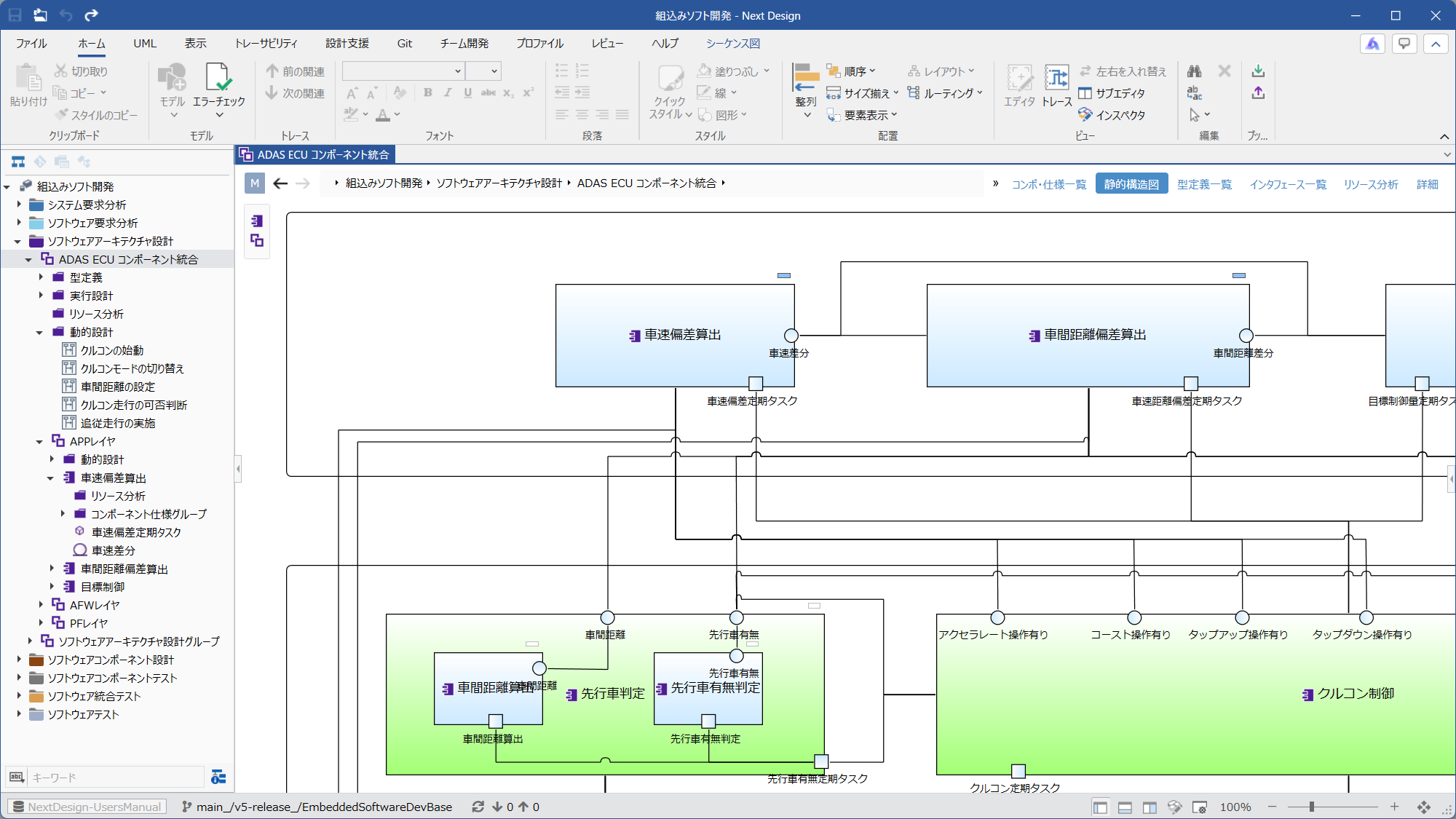
You can learn how to use Next Design by opening a sample project created in accordance with the V-model process of embedded software development and checking the structure of the deliverables and how to create models.
-
Display the Next Design start screen.
-
From the [Sample Projects] section on the Start screen, click [EmbeddedSoftwareDevelopment] in the [Embedded Systems] category.
-
A sample project will open, allowing you to see the embedded software development process and deliverables envisioned by this package.
- To understand how to use the software according to the V-model development process and the deliverables being designed, please read the Design Guide as the next step.
Using a New Project
You can start an embedded software development project immediately using a template from the Start screen.
Using the embedded software development base package template allows you to create a new project with a pre-configured V-model development framework for software development.
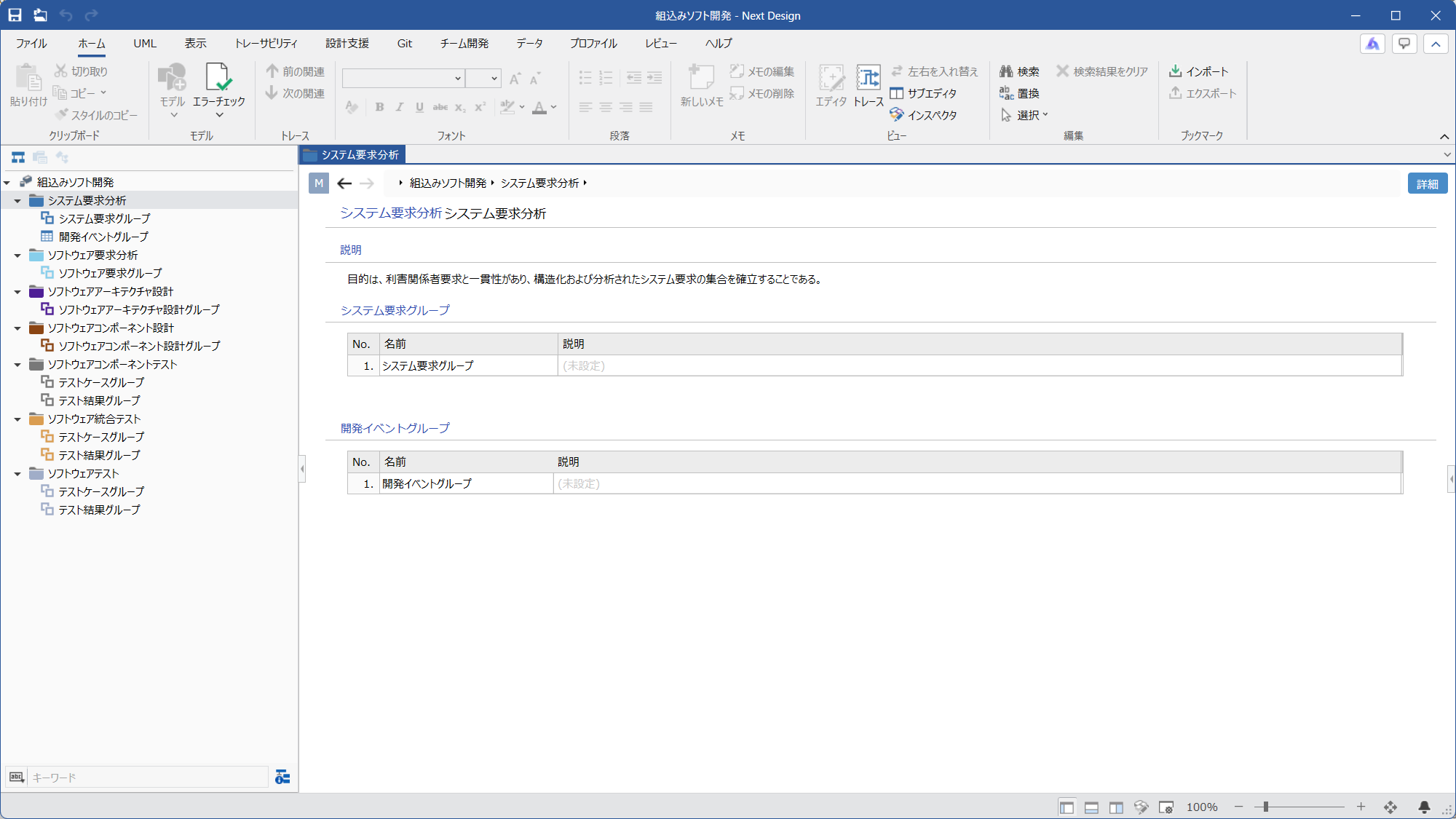
- Display the Next Design Start screen. 2. From the Start screen, click [Create a new Project from a template] in the [Embedded Systems] category, then click [EmbeddedSoftwareDevelopment].
- A new project will be created, allowing you to begin the requirements analysis, design, and testing phases according to the V-model framework for software development.
- As the next step, proceed with the design while referring to the Design Guide and the sample project.