Generate HTML Documentation
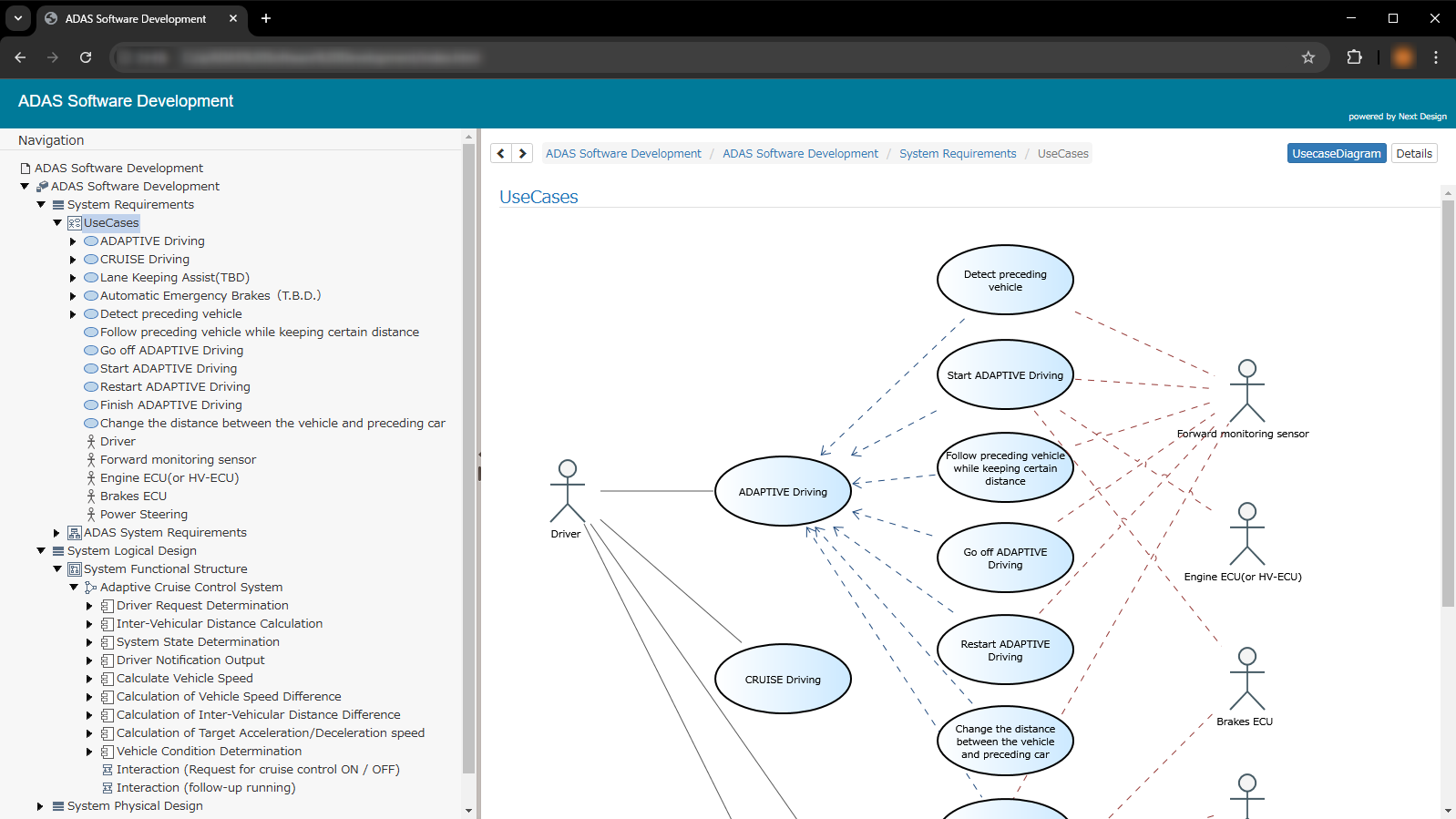
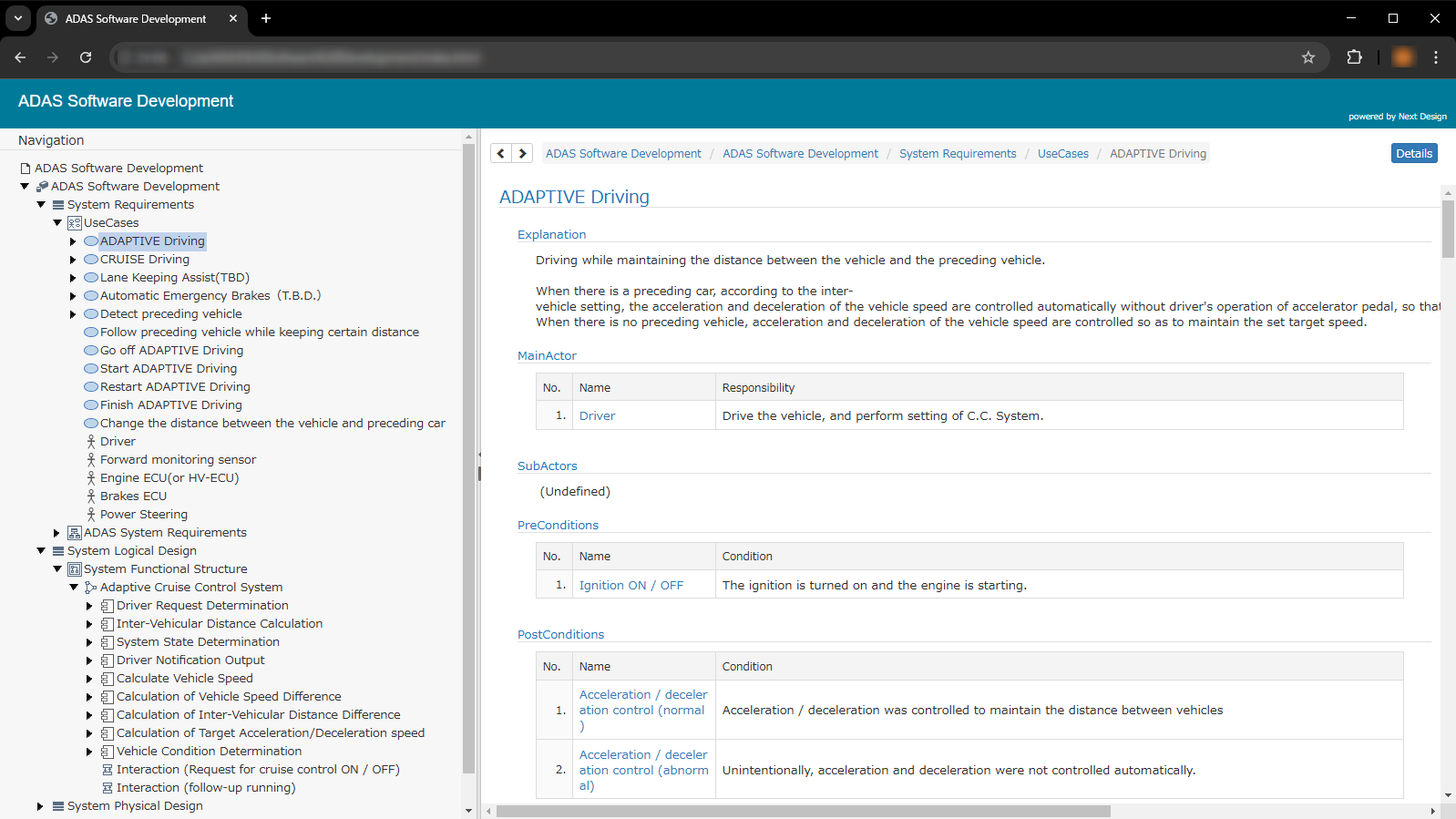
When generating documentation in HTML format, a set of HTML files is generated, with navigation displayed on the left and documentation displayed on the right depending on the navigation selection.
Caution
- Models for which "Show in Model Navigator" in the Inspector is unchecked will not have links because there is no HTML page to which the links can jump.
- When generating documentation in HTML format, a set of files is generated based on the model name.
Therefore, if the model name is long or the model hierarchy is deep, an error will occur if the Windows path length exceeds 260 characters, and documentation for that model and beyond will not be generated. - If you select a model for which documentation could not be generated in the navigation on the left, the document on the right will display the message "This model may have been moved, edited, or deleted."